When the game is on the line, every millisecond counts. Nothing is more annoying than latency or long load times, whether you’re engaging in a thrilling single-player adventure or competing in the fast-paced world of eSports. But what if you could optimize your gaming machine for optimal performance? We’ll look at effective ways to boost your gaming setup in this tutorial, from lightning-fast load times to fluid, buttery-smooth gameplay. Prepare to unleash your hardware’s full potential and put performance concerns aside.
Why Speed is Your Game-Changer in the World of Gaming?
Before we dive into the optimization magic, let’s first grasp why speed is the true MVP of gaming. Picture this: you’re deep into your favorite game, and every move you make is buttery smooth, with zero lag, crisp visuals, and no annoying freezes. Sounds like a dream, right? But it’s not just about comfort—it’s about having the edge in every game.
In the high-stakes world of competitive gaming, speed isn’t just a luxury; it’s a necessity. A slow system can throw off your reflexes, blur your actions, and leave you trailing behind. On the flip side, optimizing your setup can boost your frames per second (FPS), minimize input delays, and keep your gameplay as fluid as a pro player’s moves. In short, a faster system isn’t just an upgrade—it’s your ticket to dominating the game.
1. GPU Overclocking for Maximum Frame Rate
The GPU (Graphics Processing Unit) plays a central role in gaming performance. Overclocking your GPU is one of the most effective ways to improve frame rates, but it must be done with caution to avoid overheating or instability.
Steps for GPU Overclocking:
- Use Tools like MSI Afterburner: MSI Afterburner is a powerful tool that lets you adjust core clocks, memory clocks, and power limits, giving you full control over GPU performance.
- Monitor Temperature and Stability: Keep an eye on your GPU temperature using tools like HWMonitor. Ideally, it should stay below 85°C to prevent overheating.
- Test with Stress Benchmarks: After overclocking, run stress tests like 3DMark or Unagile Heaven to check system stability and identify potential issues like artifacts or crashes.
Technical Tip: If your GPU supports Dynamic Boost or Adaptive Sync, enable them to optimize performance based on workload, enhancing FPS and reducing screen tearing.
2. CPU Performance Tuning and Overclocking
Optimizing your CPU is a key aspect of how to optimize a gaming system for speed, as it helps reduce bottlenecks in game physics, AI processing, and load times, ensuring that your system can handle the demands of modern gaming.
Steps for CPU Overclocking:
- Increase Multiplier Settings: In BIOS, adjust the CPU multiplier to boost clock speed. For Intel CPUs, activating Intel Turbo Boost provides additional performance when needed.
- Ensure Adequate Cooling: Overclocking increases heat, so it’s important to use an efficient cooling solution. Consider upgrading to liquid cooling or high-performance air coolers like the Noctua NH-D15.
- Use Precision Boost for AMD: AMD Ryzen processors have Precision Boost Overdrive (PBO), which dynamically adjusts clock speeds based on temperature and workload.
Technical Tip: Monitor CPU performance with CoreTemp or HWInfo and always run stress tests like Prime95 to check for thermal throttling.
3. Optimizing RAM for Faster Data Access
Fast and reliable RAM is essential for modern gaming. Especially in titles with complex textures or open-world environments, optimizing your RAM can significantly improve performance and reduce stuttering.
Steps to Optimize RAM:
- Enable XMP Profile: Most modern motherboards support XMP (Extreme Memory Profile), which automatically overclocks your RAM to its rated speed, boosting memory bandwidth and reducing latency.
- Increase Memory Clock: You can further increase memory speed via BIOS, but make sure to run stability tests to ensure the system can handle the new settings.
- Dual-Channel Memory Setup: Running your RAM in dual-channel mode doubles the memory bandwidth, significantly improving overall system performance.
Technical Tip: Opt for RAM speeds of 3200 MHz or 3600 MHz for optimal gaming performance, particularly in CPU-bound games.
4. SSD vs. HDD: Boosting Load Times with SSDs
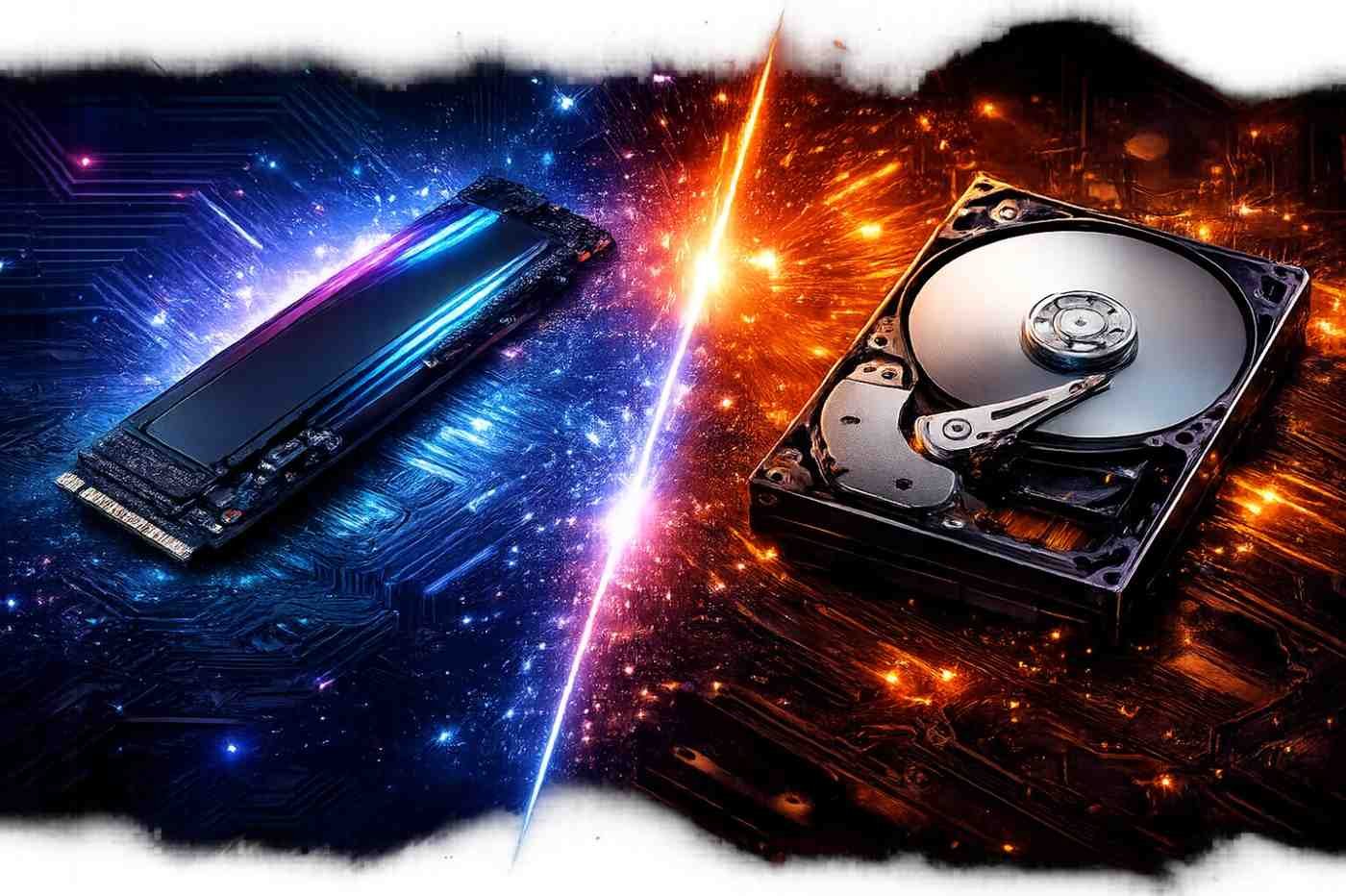
Switching from a traditional HDD (Hard Disk Drive) to a SSD (Solid-State Drive) is one of the most impactful upgrades for optimizing your gaming system for speed. SSDs provide faster load times, improve system boot times, and enhance in-game loading.
Benefits of SSDs:
- Faster Load Times: SSDs can reduce game load times by 60-70%, making a huge difference in fast-paced games or loading large game worlds.
- Better IOPS: SSDs offer better Input/Output Operations Per Second (IOPS) than HDDs, allowing faster loading of textures, models, and sound files.
- NVMe SSDs for Ultra-Fast Performance: NVMe (Non – Volatile Memory Express) drives are faster than SATA SSDs because they use PCIe lanes. Samsung 970 Evo is a great choice for top-tier performance.
Technical Tip: Keep your SSD optimized using Windows Storage Sense and avoid filling it past 80% capacity to maintain speed.
5. Graphics and Settings Optimization
Optimizing your game’s graphics settings allows you to strike the perfect balance between visual quality and FPS. Fine-tuning these settings is an effective way to improve performance without needing to upgrade hardware.
Steps for Graphics Optimization:
- Lower Resolution: Input/Output Operations lightens the load on your GPU. Try switching from Ultra to High or Medium settings for a better FPS boost.
- Disable Anti-Aliasing: Anti-aliasing smoothens jagged edges but is demanding on your system. Turning it off or reducing it to a low value improves FPS without sacrificing too much visual quality.
- Adjust Texture Quality: Lowering the texture quality reduces the load on your GPU, especially in games with high-resolution textures.
- Turn Off V-Sync: Vertical Sync (V-Sync) limits FPS to your monitor’s refresh rate, which can reduce performance. Disabling V-Sync improves FPS, but be mindful of screen tearing.
Technical Tip: Use NVIDIA Control Panel or AMD Radeon Settings to fine-tune graphics settings and improve performance while adjusting color settings, contrast, and ambient occlusion.
6. Network Optimization for Online Gaming
For multiplayer games, a stable and fast internet connection is essential. Slow internet speeds can lead to lag and disconnects. Here’s how you can optimize your internet connection for gaming:
Steps for Network Optimization:
- Wired Connection Over Wi-Fi: Use an Ethernet cable to connect your gaming system directly to the router. Wired connections are more stable and faster than wireless connections, reducing ping and minimizing packet loss.
- Router QoS (Quality of Service): Many modern routers come with QoS settings to prioritize gaming traffic over other activities like video streaming or downloading. This ensures your system receives the necessary bandwidth for lag-free gameplay.
- Optimize DNS Settings: Use Google DNS or Cloudflare’s 1.1.1.1 DNS to speed up DNS resolution, improving latency and reducing lag.
Technical Tip: Consider using a gaming VPN to minimize packet loss and avoid throttling by your ISP.
7. System-Level Tweaks: Power Settings & Background Processes
Windows provides several built-in tools to optimize your system’s performance, including adjusting power settings and managing background processes. These tweaks are often overlooked but can significantly enhance your system’s responsiveness.
Steps for System-Level Optimization:
- Adjust Power Plan: Set your Windows Power Plan to High Performance to ensure your system is always running at full speed and not throttling to save energy.
- Disable Unnecessary Background Processes: Open Task Manager (Ctrl + Shift + Esc) and close unnecessary apps consuming CPU, RAM, and disk resources. Close web browsers, music players, and other background applications that may affect gaming performance.
- Enable Game Mode: Windows 10 includes Game Mode, which optimizes the system by prioritizing gaming-related processes, reducing background distractions, and boosting performance.
Enhance Audio & Visual Immersion:
- Fine-Tune Audio Settings: Use Dolby Atmos or Windows Sonic for enhanced surround sound. Make sure your headset or speakers are of high quality for better immersion.
- Monitor Calibration: Adjust your monitor’s color settings, brightness, and contrast for better visual immersion. This is crucial in games that rely on quick visual cues, like FPS or RTS games.
Mouse & Keyboard Optimization:
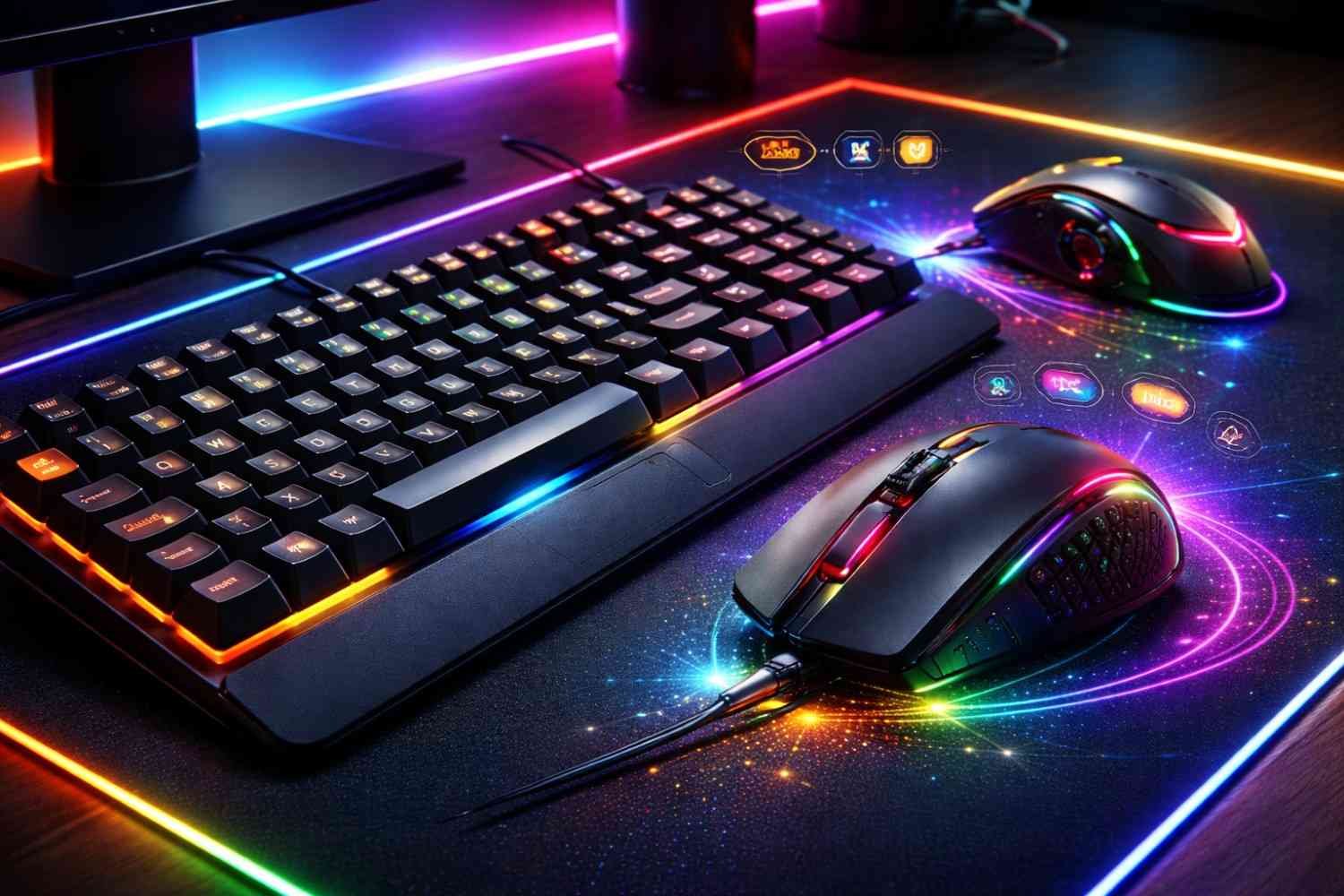
- Mouse DPI Settings: Adjust your mouse DPI (dots per inch) for better control. A lower DPI (e.g., 800-1600) works best for FPS games requiring precise aiming, while a higher DPI can be useful for other genres.
- Keyboard Macros: Use macros for MMOs or RTS games to automate repetitive tasks, giving you a competitive edge. Customize your keyboard settings for easier access to in-game actions.
Technical Tip: Use customizable gaming peripherals (mouse, keyboard) to optimize DPI settings, macros, and RGB lighting for both performance and visual immersion.
The Benefits and Pitfalls of Optimizing Your Gaming System
Powering Up: The Key Benefits of Optimizing Your Gaming System for Speed
Improved Performance: By upgrading hardware and adjusting settings, you can significantly boost FPS, reduce lag, and enhance your overall gaming experience.
Smoother Gameplay: A faster system ensures smooth gameplay, making your experience more immersive and reducing frustrating interruptions like stuttering or freezing.
Competitive Advantage: In competitive gaming, a well-optimized system can give you the edge, improving reflexes and responsiveness, which can be the difference between winning and losing.
Faster Load Times: Swapping to an SSD and optimizing game settings can drastically reduce loading times, letting you jump straight into the action.
Future-Proofing: Regular optimization ensures that your system can handle future game releases, keeping your gaming experience relevant for years to come.
The Hidden Challenges of Optimizing Your Gaming System for Speed
- Cost of Upgrades: Upgrading hardware like the GPU, CPU, and SSD can be expensive, and not everyone may be willing or able to invest in these components.
- Overclocking Risks: While overclocking can improve performance, it can also lead to overheating or system instability if not done carefully, potentially causing damage.
- Time-Consuming: Optimization may require time-consuming adjustments, including manual configuration of settings, driver updates, and system maintenance.
- Software Compatibility Issues: Some optimization tools or tweaks might not be compatible with all games or systems, potentially causing performance issues or crashes.
- Complexity: For those who aren’t tech-savvy, optimizing a gaming system can be overwhelming, requiring advanced knowledge of system components and software configurations.
Frequently Asked Questions (FAQs)
1. How can I boost FPS in my games?
Upgrade your GPU, reduce graphics settings, and ensure drivers are up to date.
2. Is overclocking safe for gaming systems?
Overclocking can boost performance but requires careful monitoring of temperatures and stability.
3.How can I reduce lag in online games?
Use a wired connection, upgrade your internet speed, and close unnecessary background processes.
4. What should I do if my gaming system overheats?
Clean your system regularly, improve cooling, and monitor temperatures using software.
5. Can SSDs improve gaming performance?
Yes, SSDs significantly reduce load times and improve overall system responsiveness.
Level Up Your Performance: Mastering the Art of Gaming System Optimization
Now that you’ve learned how to optimize a gaming system for speed, it’s time to put these strategies into action. Optimizing your gaming system for speed isn’t just about making small tweaks—it’s about unlocking your system’s full potential and giving yourself the best chance to dominate. You’ll get rid of lag, improve performance, and enjoy gaming like never before by replacing important hardware, adjusting settings, and maintaining your system.
A well-tuned system is your hidden weapon for staying ahead of the competition, whether you’re playing the newest AAA blockbuster or competing in a high-stakes eSports battle. Prepare to advance and perform like a pro!

Ryo Nakamura
View More PostsRyo Nakamura covers gaming news, updates, and industry trends. His writing keeps the community informed about new releases, patches, and competitive shifts, offering clear context and insight into how changes impact gameplay and the broader gaming landscape.